Header
Reqable supports editing HTTP request headers and provides both table editing mode and text editing mode.
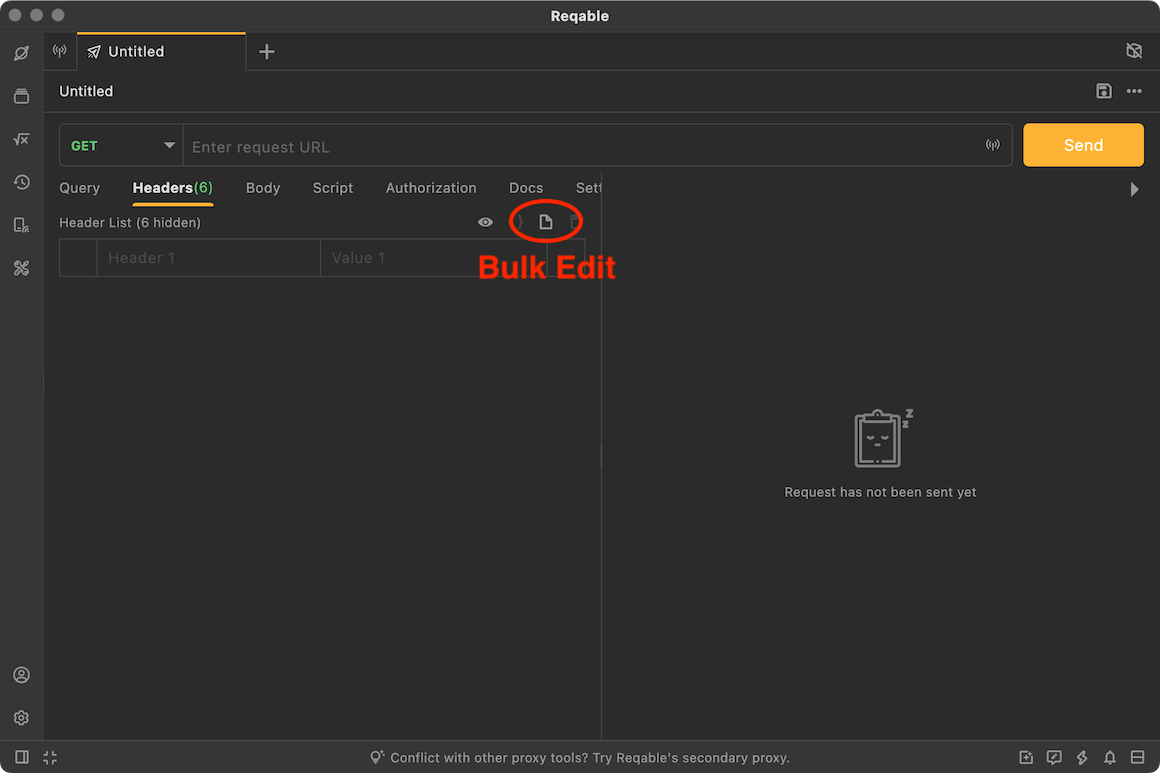
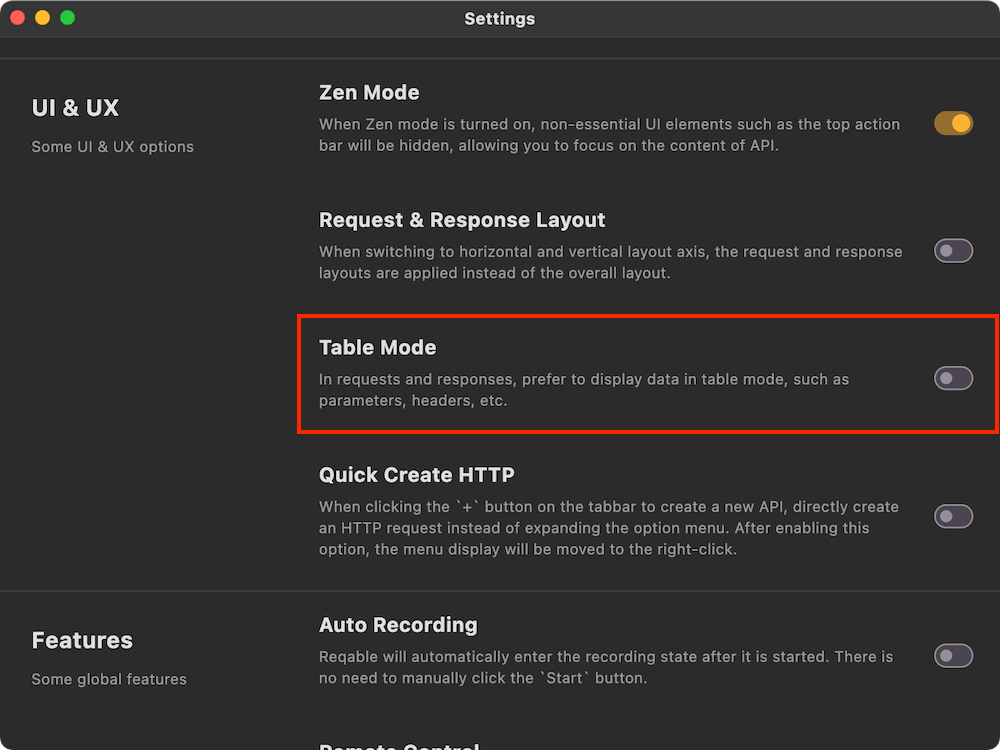
By default, table editing mode is used. You can disable this option in settings to use text editing mode by default.
Request headers support the use of Environment Variables.
Table Mode
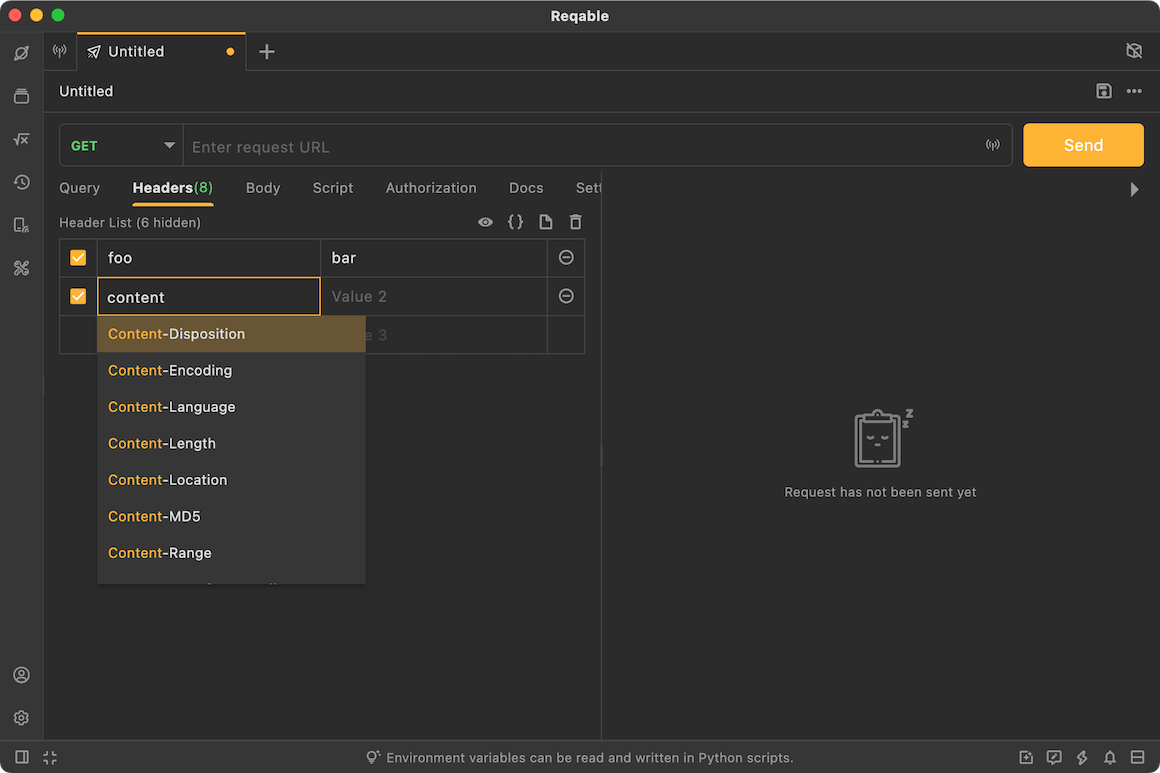
Table editing mode supports input suggestions and auto-completion.
Text Mode
Text editing mode supports batch editing of request headers.
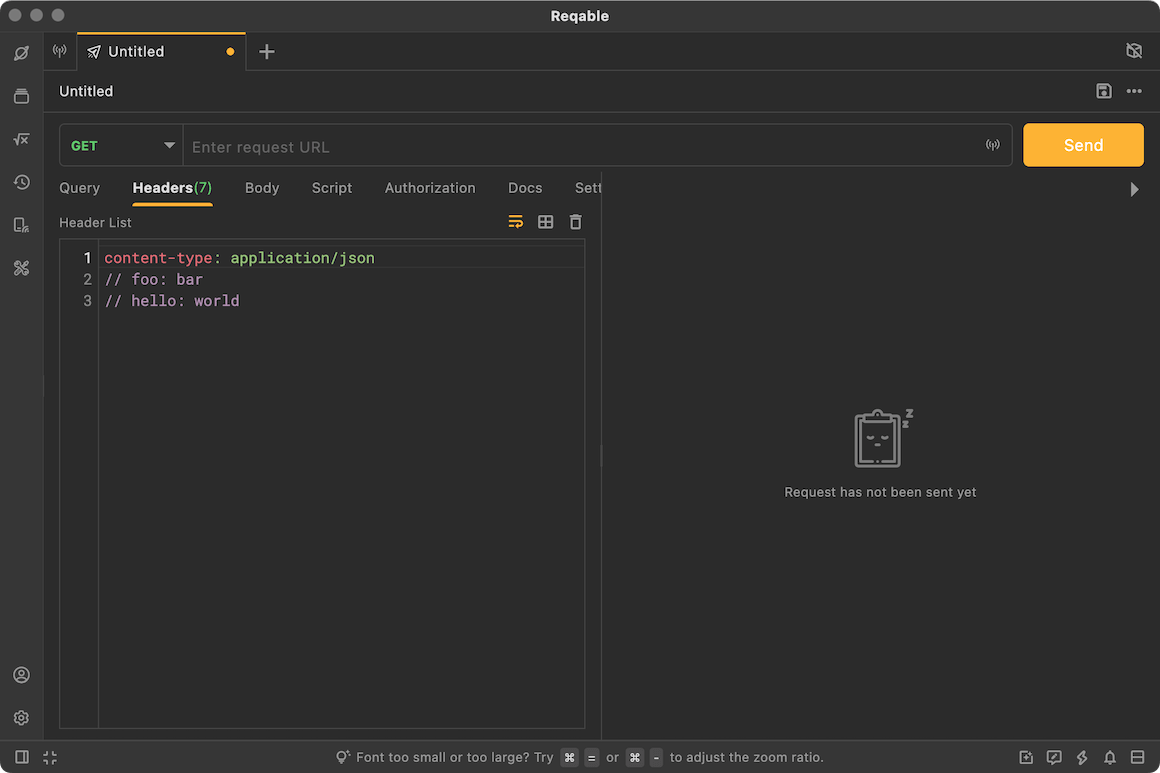
Using // comments at the beginning of a request header line will uncheck that header. You can also use the shortcut Control + /.
Built-in Headers
Reqable hides some necessary request headers that usually do not need developer attention by default. These are called built-in request headers. In table mode, click the eye icon to toggle whether built-in request headers are shown.
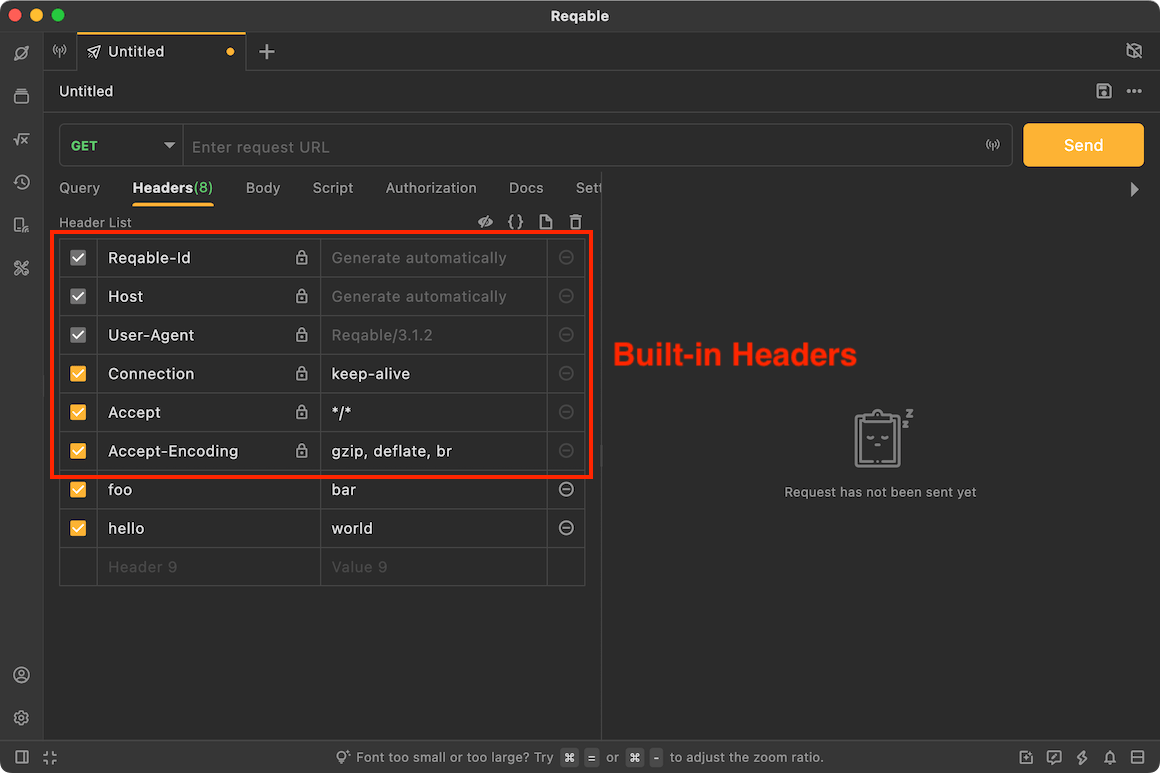
Common built-in request headers:
- Reqable-Id A unique request ID identifier, which can be disabled in settings tab.
- Host Domain information automatically added to the request headers. Note that in HTTP/2 and HTTP/3,
:authorityis used instead. - User-Agent Uses Reqable's application version by default.
- Connection Controls whether the connection is kept alive or closed. Note that it is invalid in HTTP/2 and HTTP/3.
- Content-Length If a request body is used, this value is calculated automatically when the request is sent.
- Content-Type If a request body is used, the type (MIME) is automatically appended to the built-in request header list.
- Cookie When Cookie is enabled, it is automatically appended to the built-in request header list.
- Authorization When authorization is enabled, it is automatically appended to the built-in request header list.