JSON Path is an expression syntax for searching and extracting specific content from JSON data. When JSON structures get complex—deeply nested layers or huge arrays—browsing and locating values becomes inefficient. JSON Path was created as a regex-like syntax to solve this, but it remains much simpler than regular expressions.
1. Basic Syntax
Here are the core operators:
$— the root of the JSON document. JSON Path expressions always start with$because evaluation begins at the root..— accesses a child of the current node and is followed by the key name. For example,$.datarefers to thedatanode under the root, and$.data.foorefers to thefoonode underdata.[]— operates on nodes. Commonly, it accesses array items by index such asitems[0]; it can also select ranges likeitems[0:2]to get items at indices 0–2. Expressions can appear inside brackets; more on that later.*— wildcard that matches any key or index. For example,$.*retrieves all values under the root;items[*]retrieves every element of theitemsarray...— recursive descent that matches any node. For example,$..keygets all nodes whose key iskeyanywhere in the JSON.@— refers to the current object, often used in nested expressions. For example,$.key[?(@.foo=0)]uses@.footo refer to thefoonode underkey.
Using the JSON data below, here are some sample expressions (you can find the JSON viewer for these examples in the Reqable toolbox):
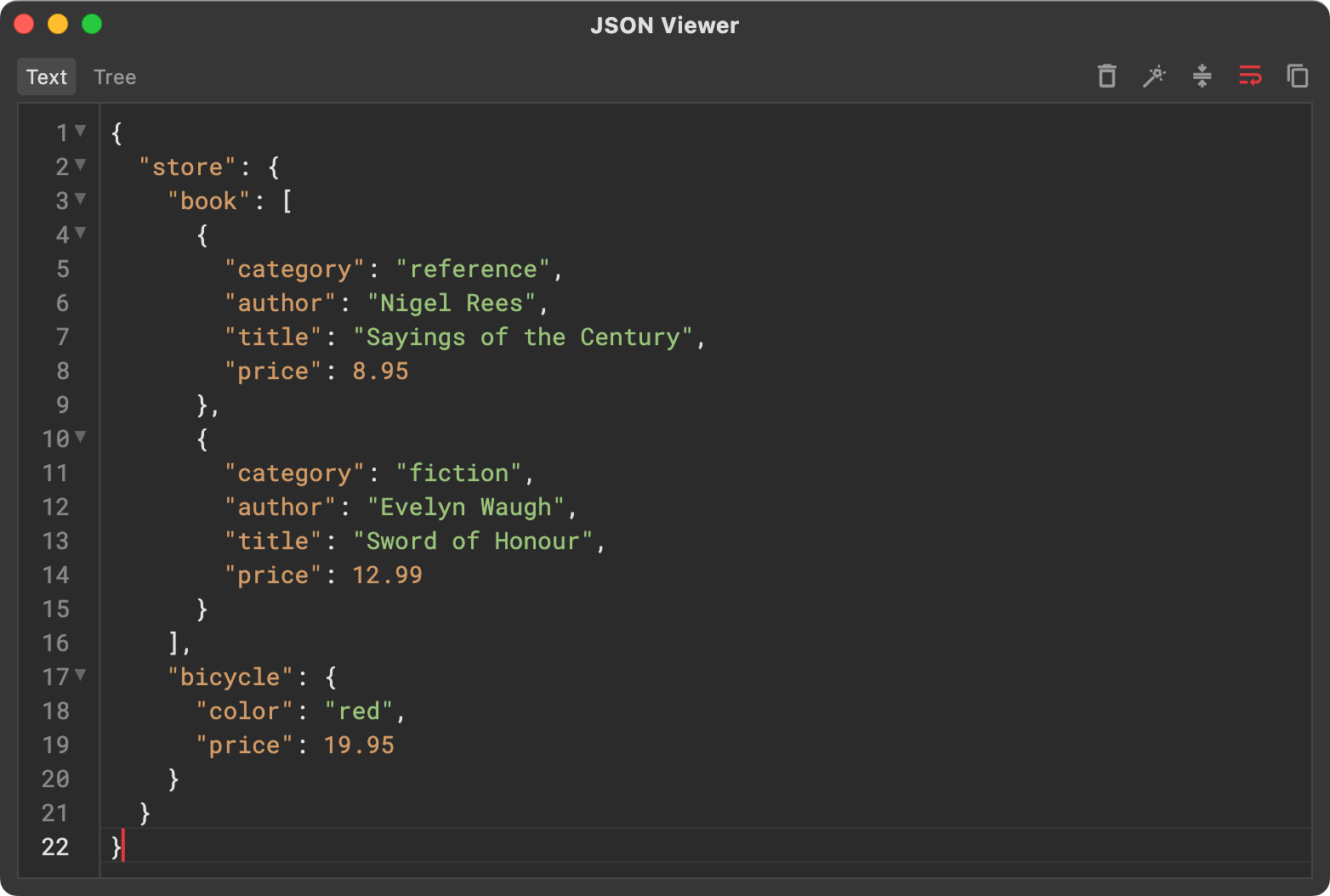
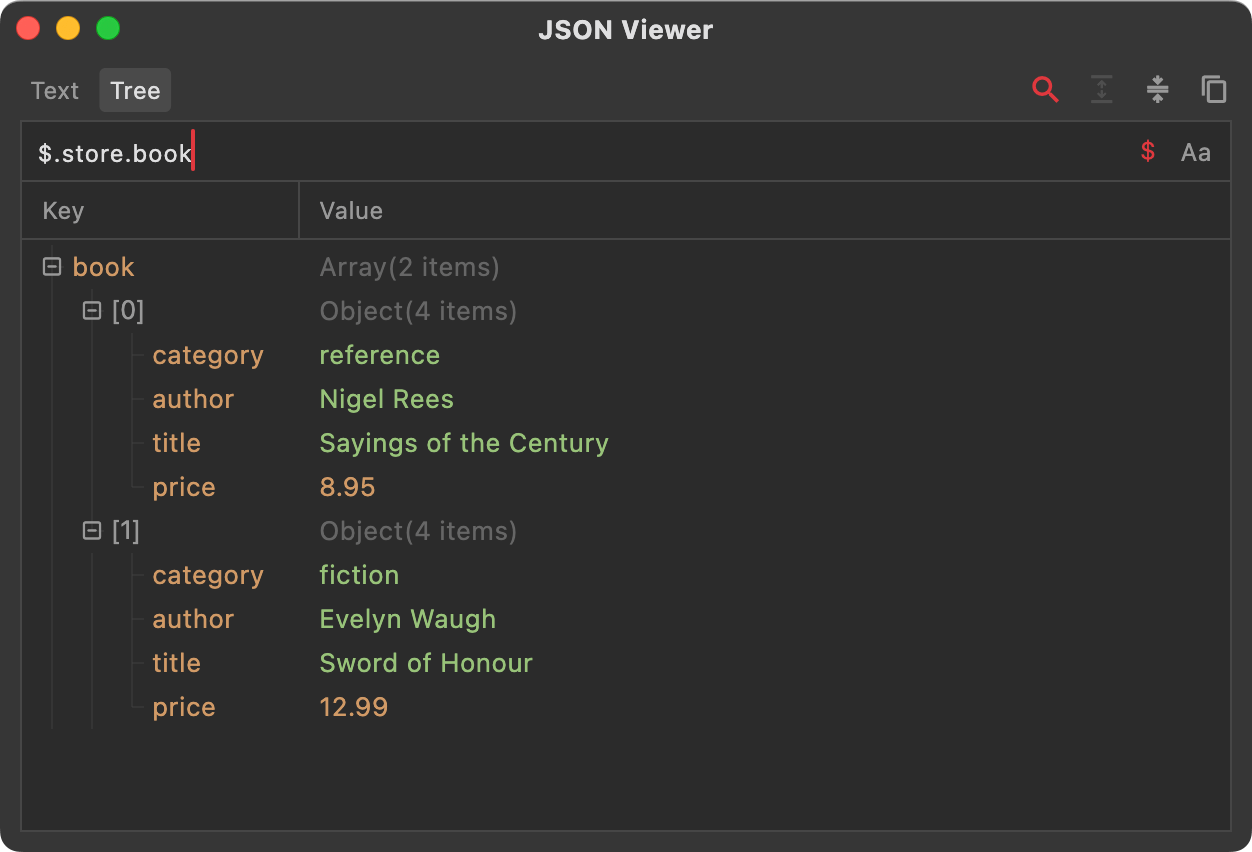
$.store.book extracts the book node (an array) under store, as shown below:
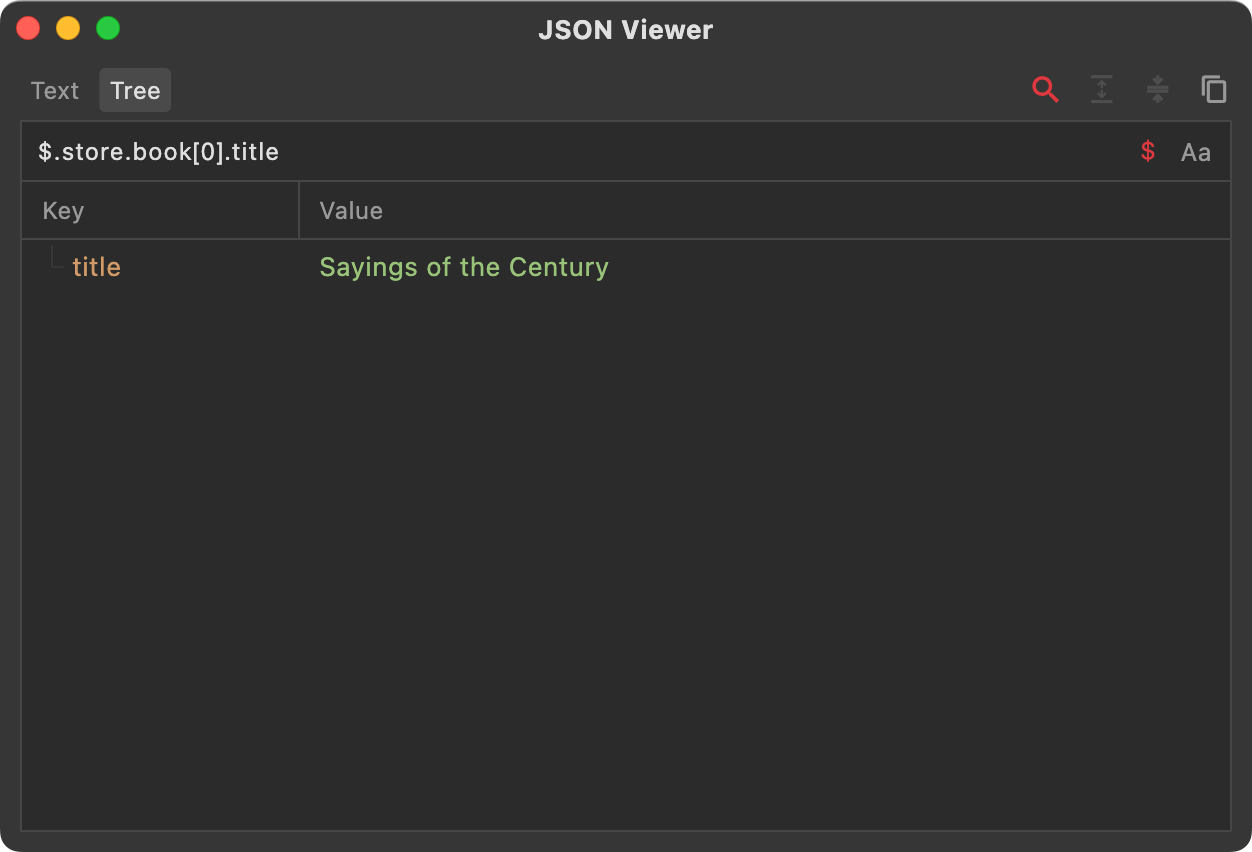
$.store.book[0].title extracts the title of the first item in the book array under store, as shown below:
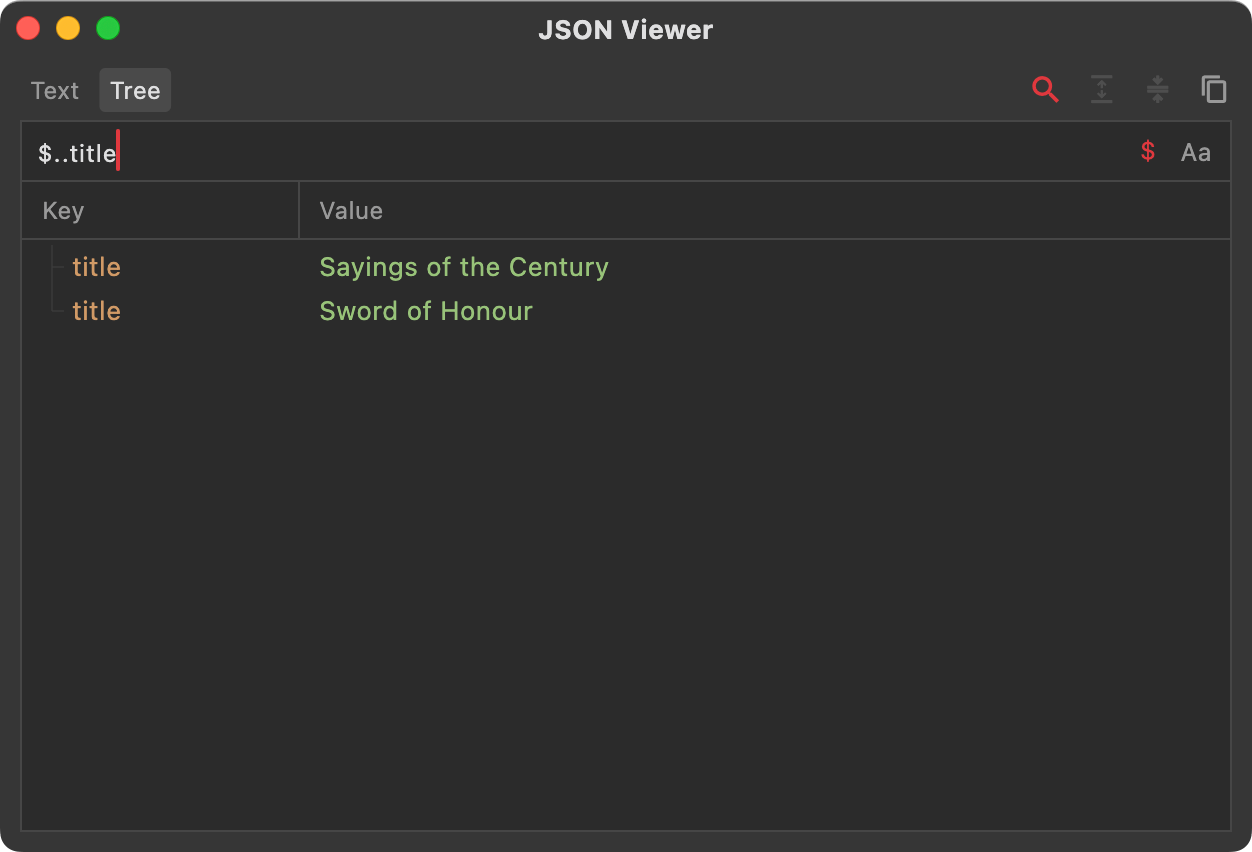
$..title extracts every title node across the entire JSON document, as shown below:
2. Array Operations
Object navigation is straightforward: use the dot operator to move to the next node. Arrays, however, have more syntax options. Here are the essentials:
1) Simple index access with [index], e.g., $.items[0].
2) Range selection with [start:end], e.g., $.items[0:2] for the first two elements of items.
3) Step selection with [start:end:step], e.g., $.items[0:4:2] returns elements 0 and 2, skipping 1 and 3 because the step is 2.
4) Negative index with [-index] to read from the end. -1 is the last element, -2 is the second last, and so on.
3. Expressions
For large datasets, use filter expressions with the syntax [?(expression)], where expression supports comparison operators (>, <, >=, <=, ==, !=) and logical operators (&&, ||).
Using the same JSON as above:
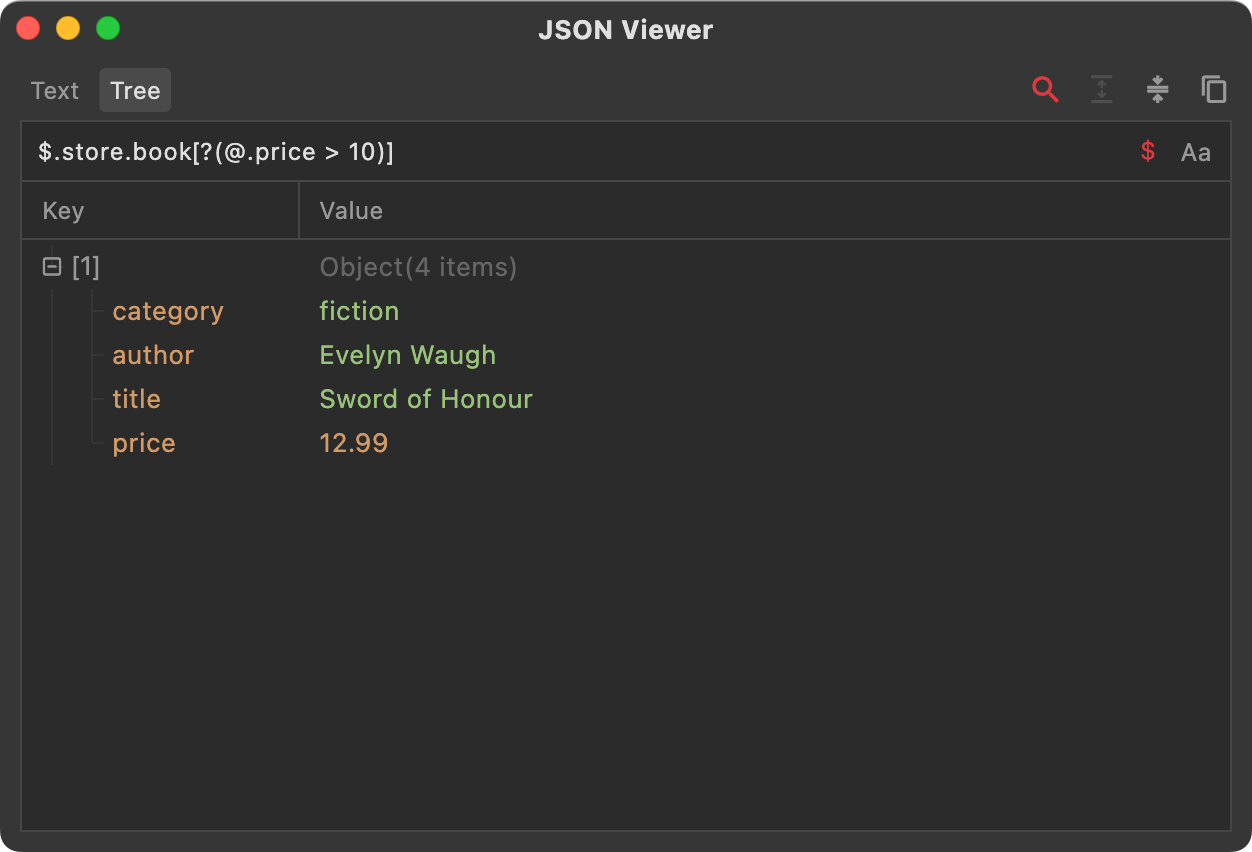
To extract books whose price is greater than 10, use the filter $.store.book[?(@.price > 10)]. Here @.price > 10 is the comparison, with @ referring to the current book object.
4. Built-in Functions
For more complex scenarios, expressions alone may not suffice—you may need functions for dynamic calculations or regex matching. Common built-ins include:
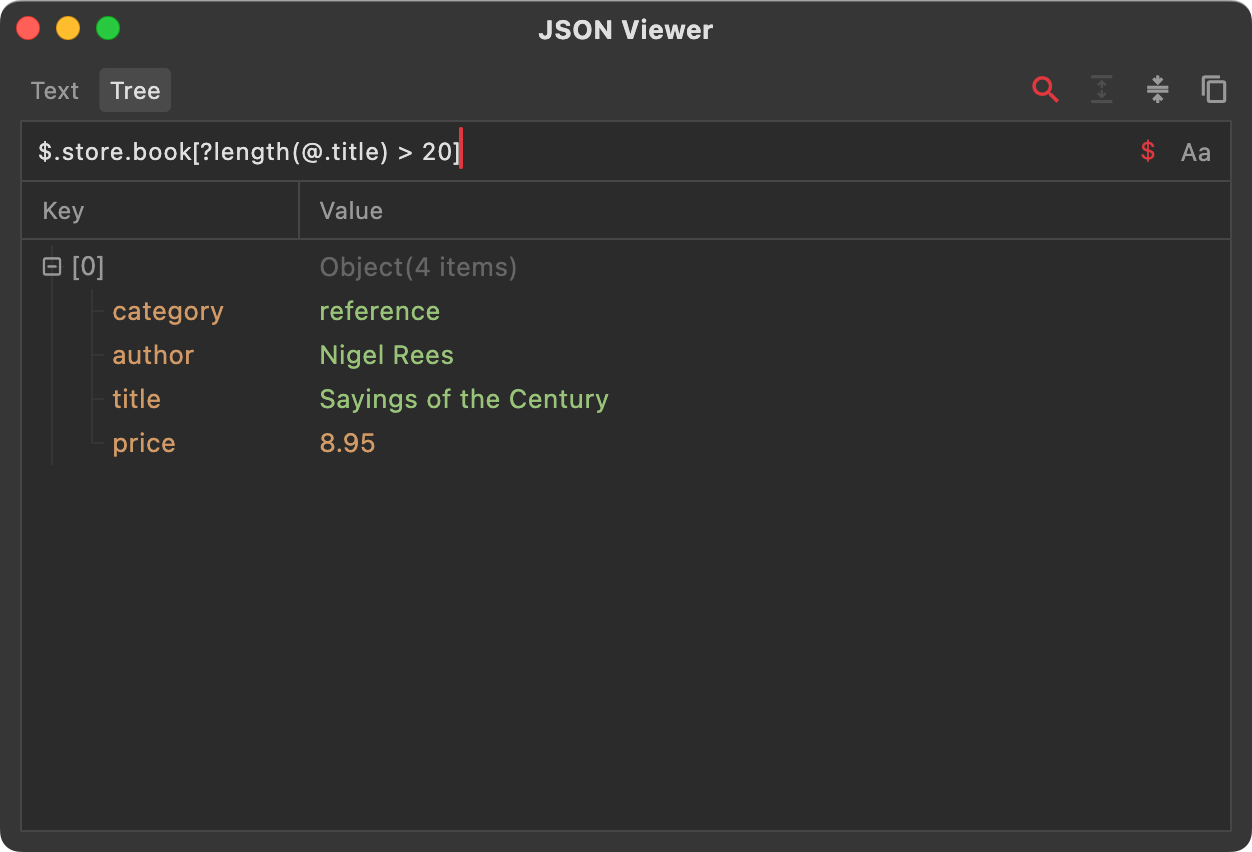
length — ?length(expression) returns the length of the value specified by expression. Example: $.store.book[?length(@.title) > 20] filters books whose title length is greater than 20.
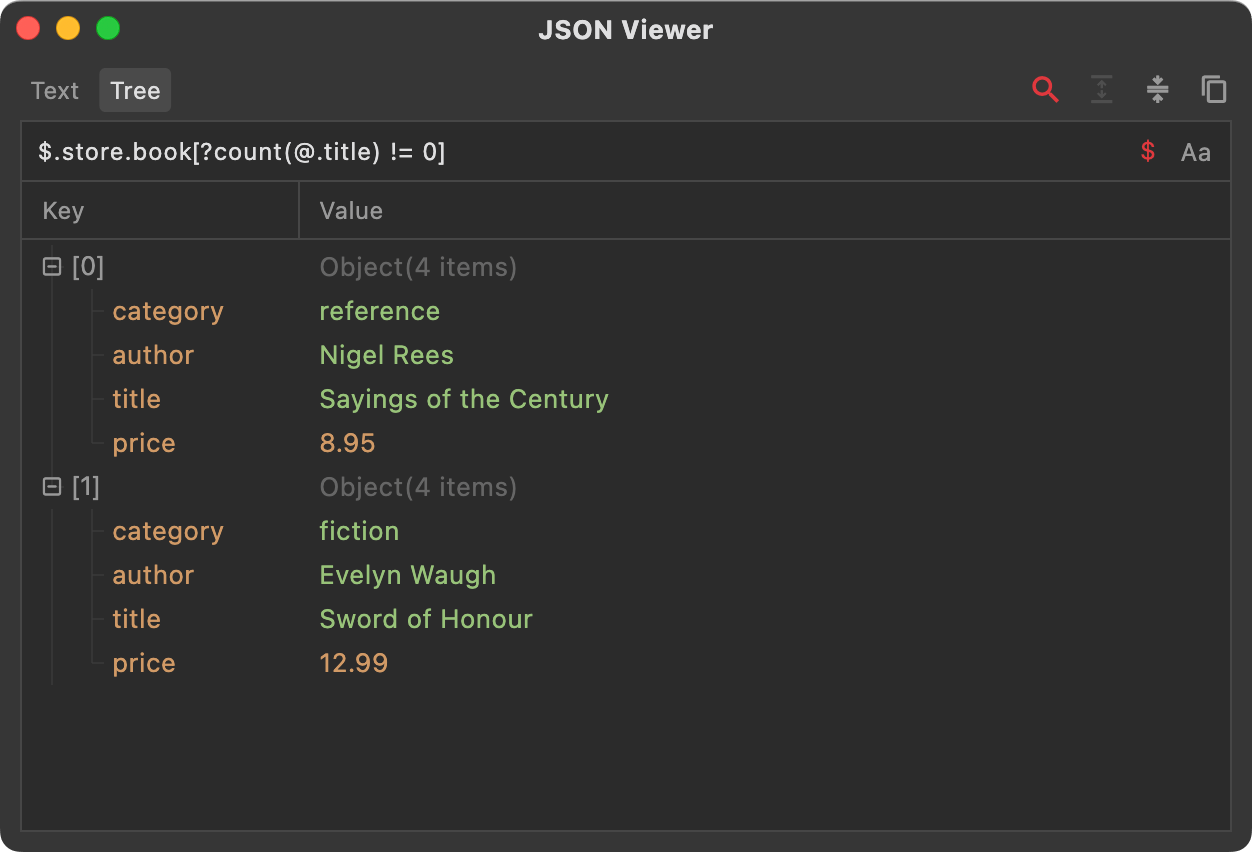
count — ?count(expression) returns the length of an array or the number of object properties specified by expression. Example: $.store.book[?count(@.title) != 0] gets books that contain a title property; if missing, the function returns 0.
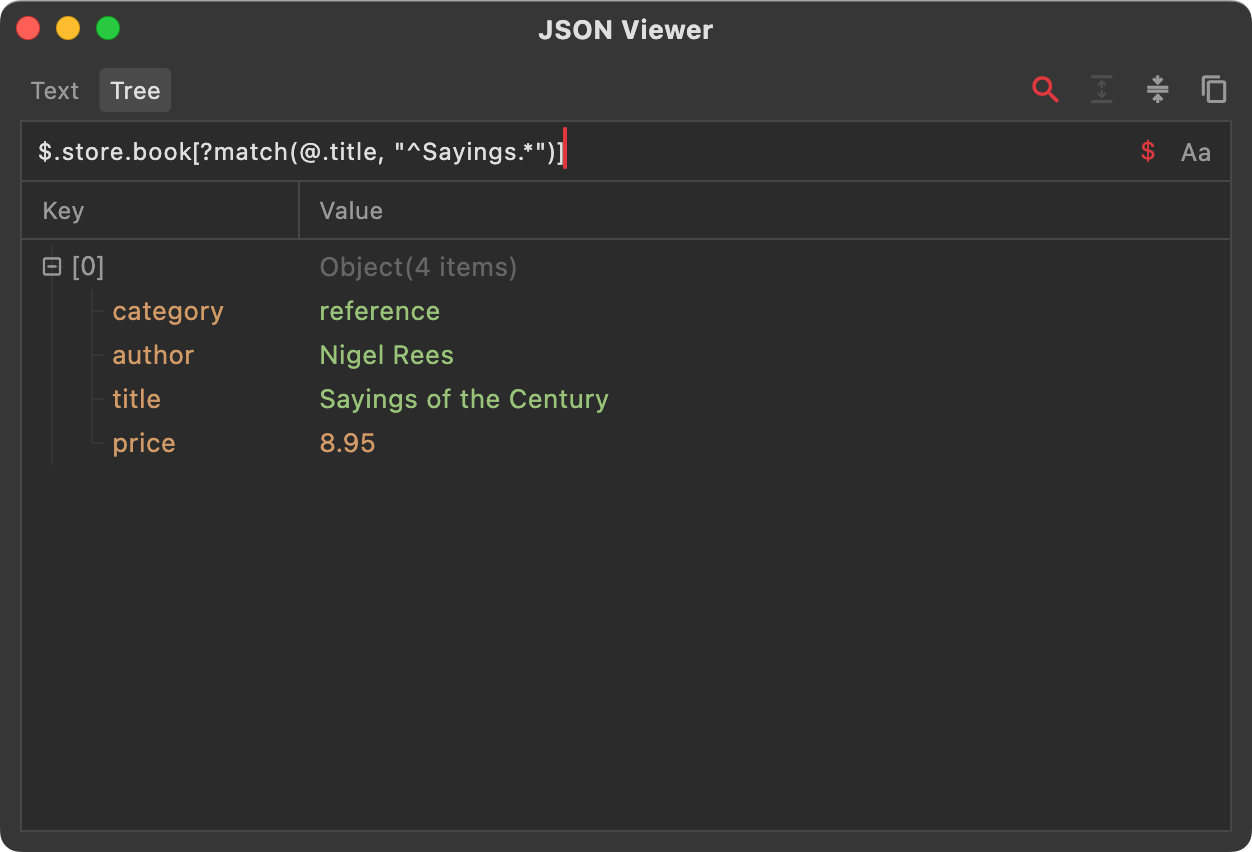
match — ?match(expression, value) returns data whose expression matches value. value must be a string and supports regex. Example: $.store.book[?match(@.title, "^Sayings.*")] gets books whose title starts with "Sayings".
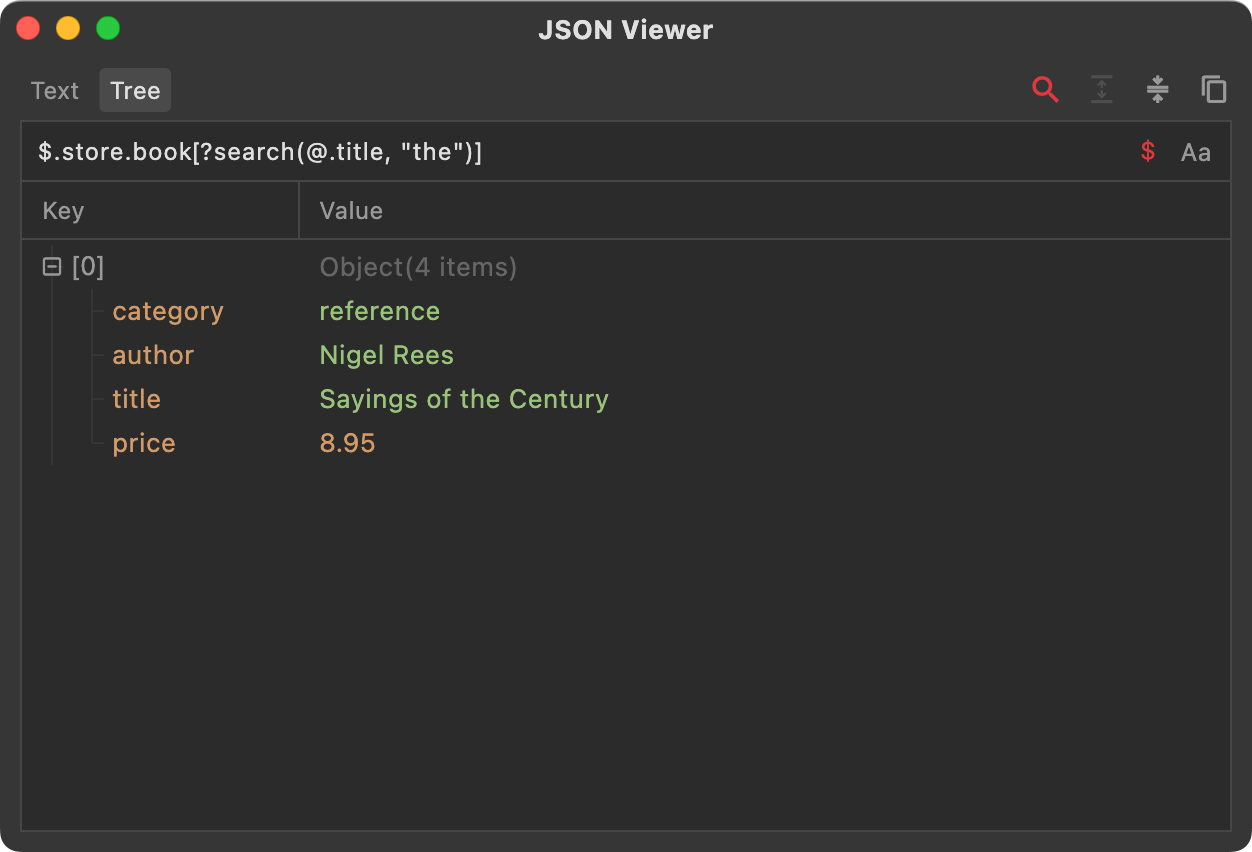
search — ?search(expression, value) returns data whose expression contains value (a substring). value must be a string and supports regex. Example: $.store.book[?search(@.title, "the")] gets books whose title contains "the".
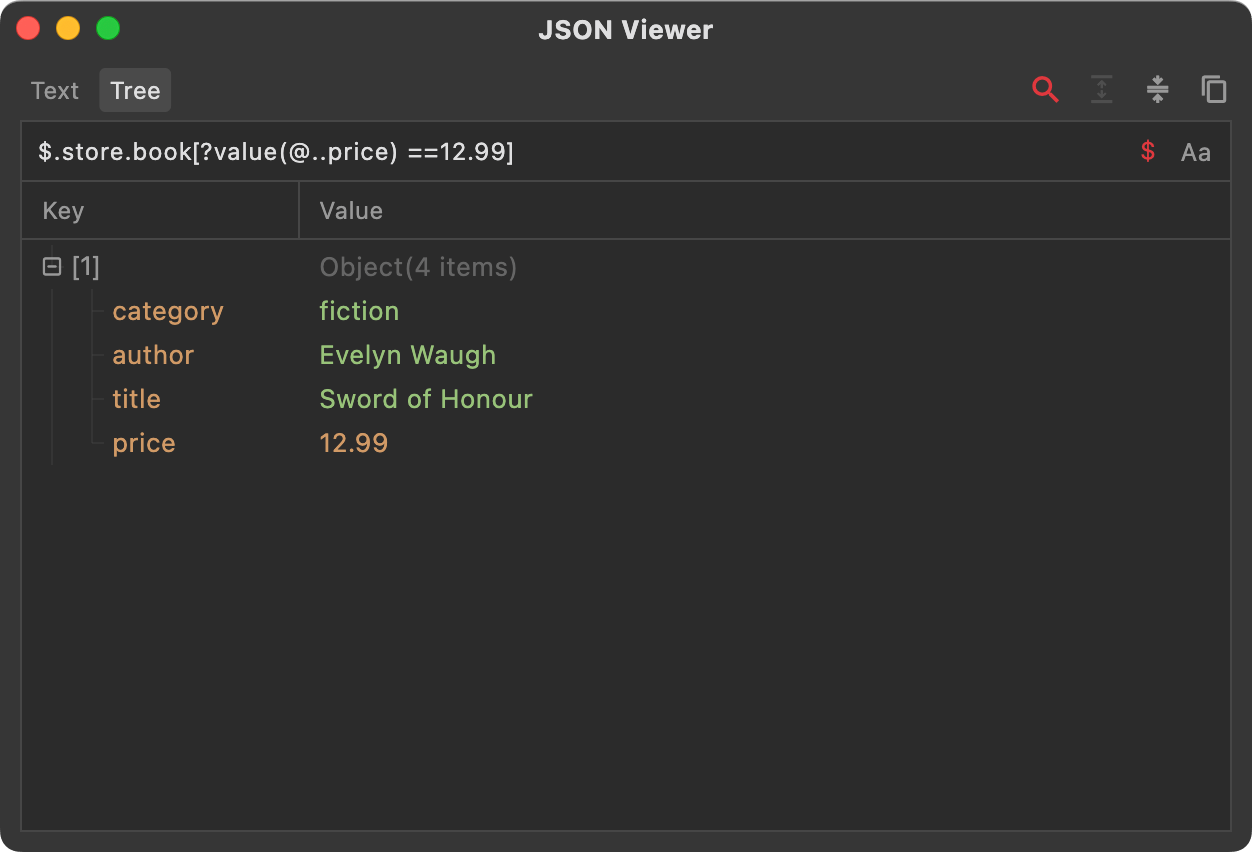
value — ?value(expression) converts the node(s) specified by expression into a value. If expression resolves to a single node, it returns that value. If multiple nodes are returned, conversion fails and yields empty. Example: $.store.book[?value(@..price) ==12.99] fetches books priced at 12.99. Note that @..price produces a list, not a scalar. If the list has exactly one element, value returns that element; if it has zero or more than one, conversion fails and yields empty.